 Help
To see your account’s support over a period, go to Support, then Support Tickets, and choose Reports. Use it for your own reporting, or your complaints obligations.
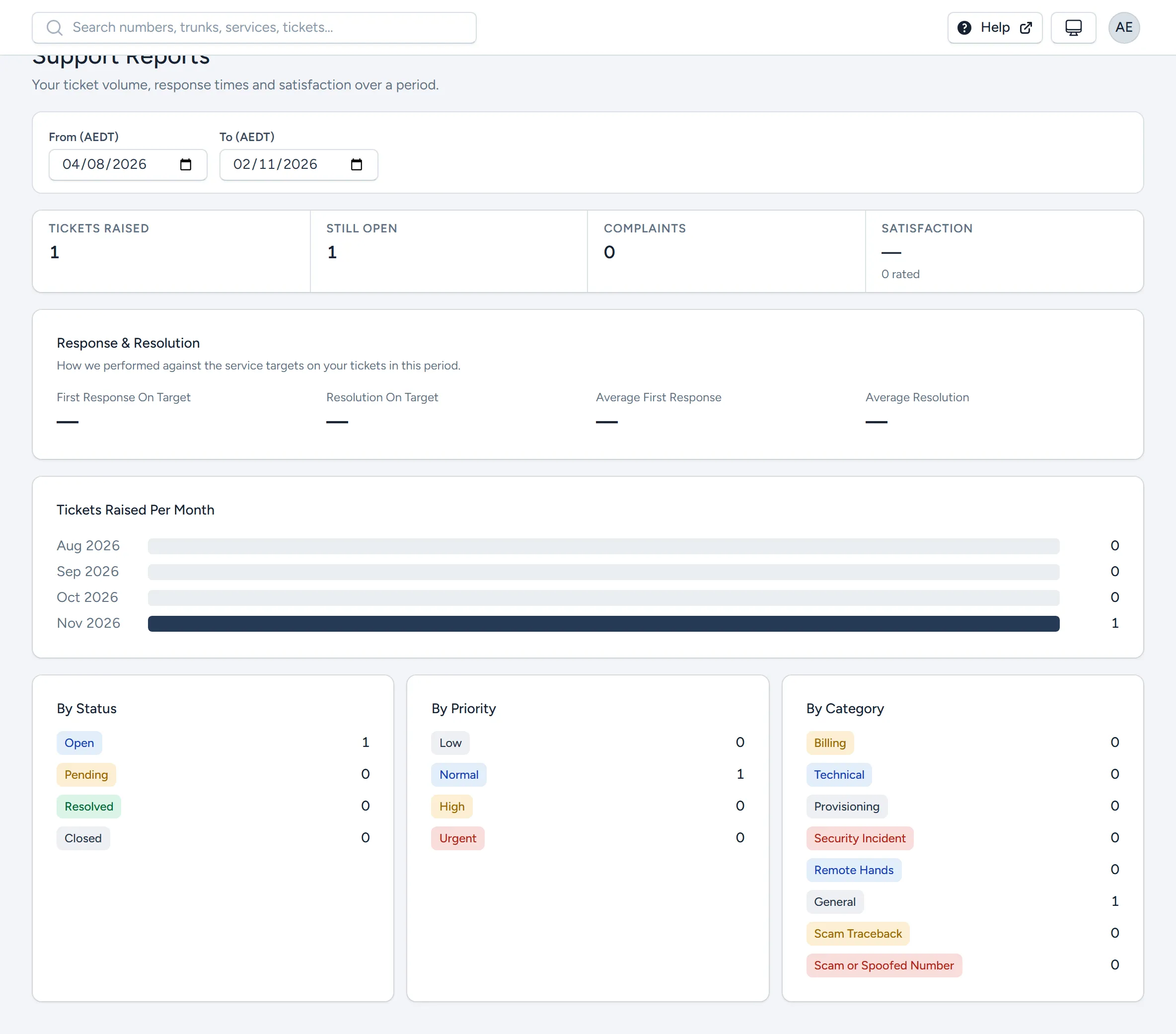
- Set From and To. They start on the last 90 days to today. The days are on your account’s time zone, named beside each field, so a ticket raised at 7 am is in that morning’s day. The API reads them the same way.
- Read the totals: Tickets Raised, Still Open, Complaints and Satisfaction. Satisfaction is the average of your ratings.
- Below them are the Response & Resolution times, tickets raised per month, and tickets by status, priority and category.
Export CSV downloads the figures.