 Help
An issued invoice is never edited. When we correct a charge, such as a rating error or an outage credit, we issue a credit note against the invoice it corrects. It reduces what you owe on that invoice, or becomes credit on your account if the invoice is already paid.
Find a credit note
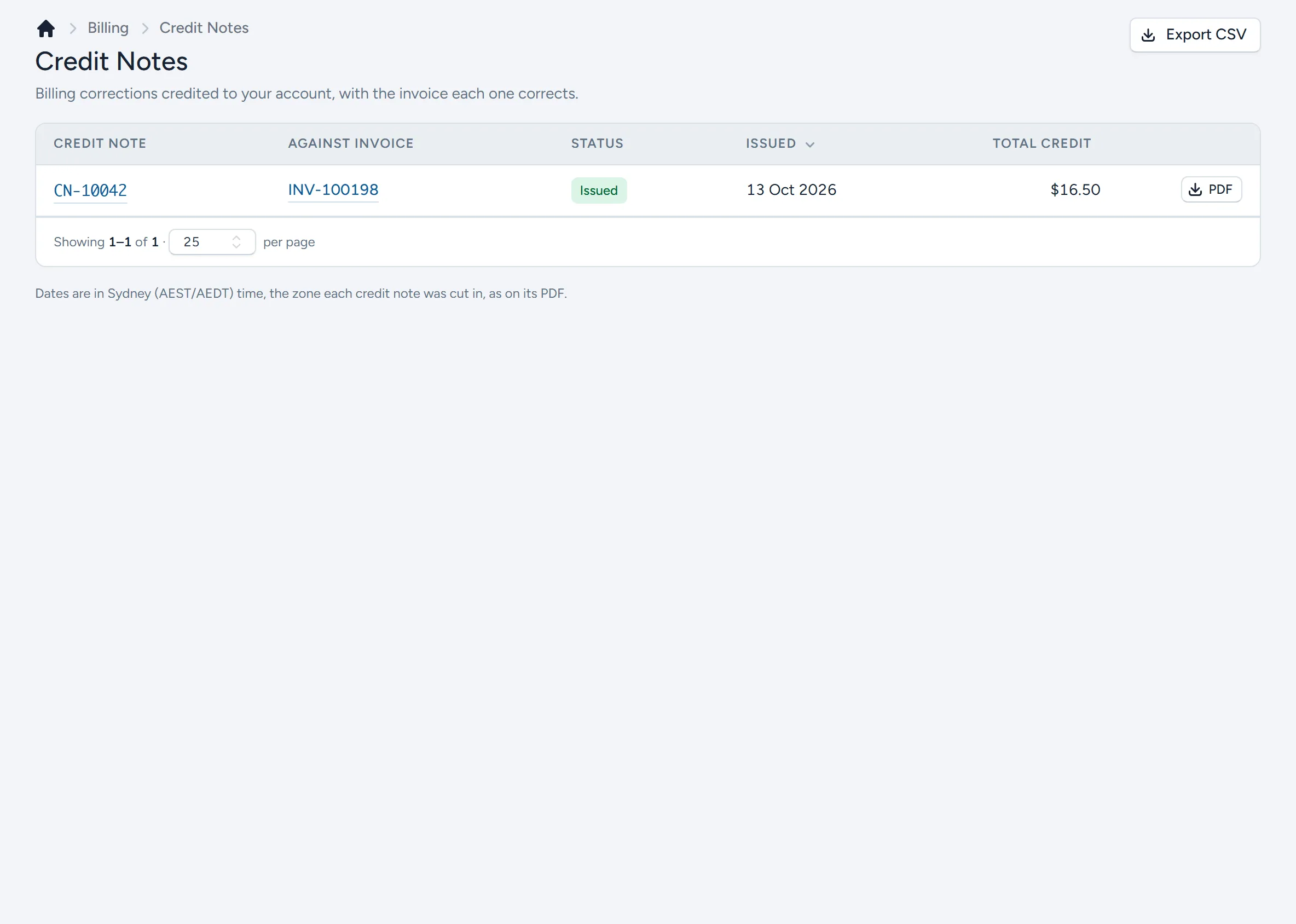
Go to Billing, then Credit Notes. The list shows the invoice each credit note is Against, when it was Issued, the Total Credit and its Status.
| Status | Means |
|---|---|
| Issued | In effect. |
| Draft | Being prepared by our billing team. |
| Void | Cancelled. It has no effect. |
Each date is in the time zone the credit note was cut in, the same as the invoice it corrects. The list names that zone under it.
Export CSV downloads the list, with each issued date as the credit note shows it. PDF on a row downloads that credit note. Select the invoice under Against to open it.
Read one
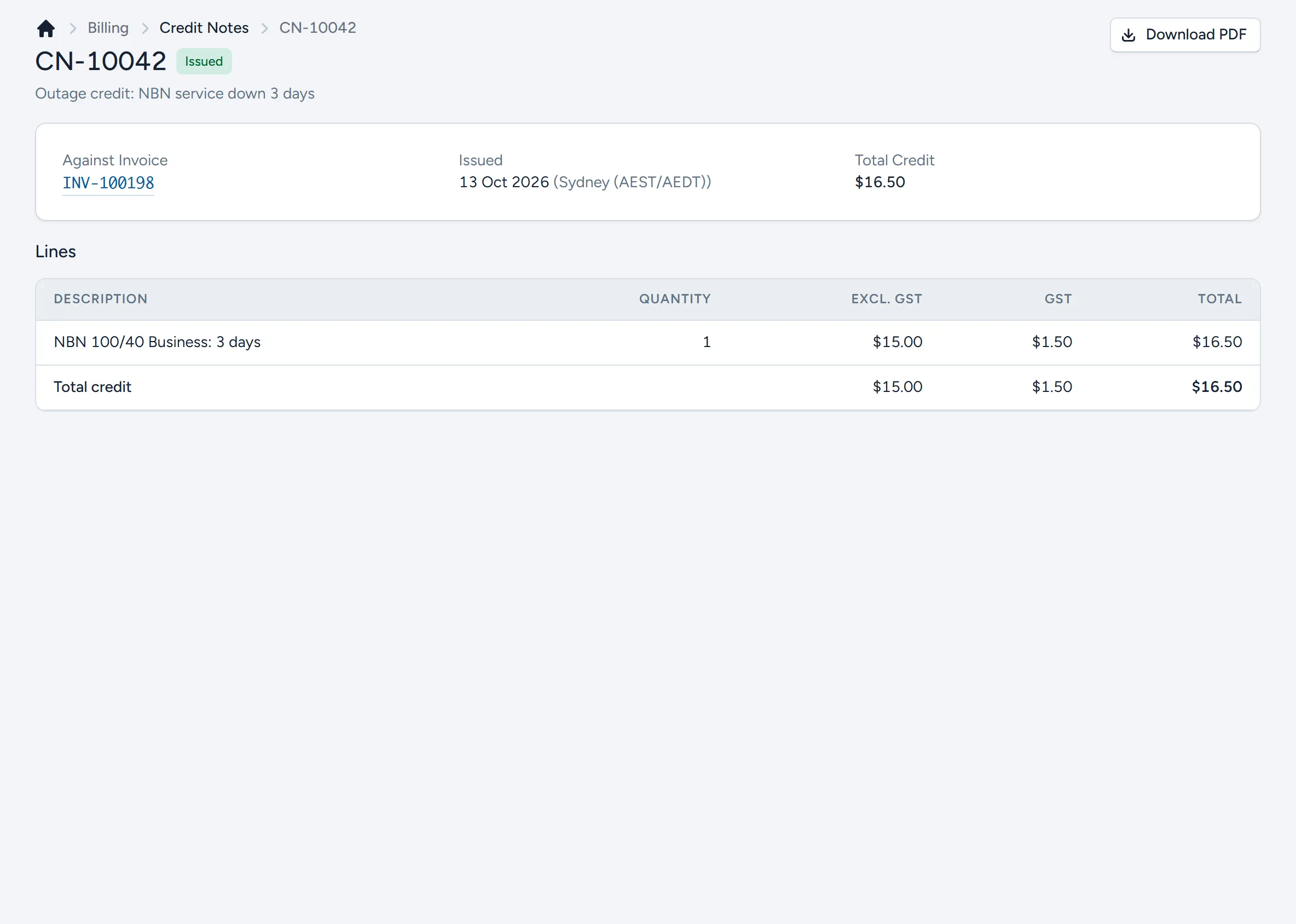
Select a credit note to open it. Its reason is under the number. Then come the invoice it corrects, when it was issued, the zone that date is in, and the total. Lines shows each amount credited, excluding GST, the GST and the total. Download PDF gives you the credit note for your records.
The credit also shows on the invoice, under Credit Notes Against This Invoice, and on your statement.
Asking for a credit
Log a Billing ticket with the invoice number and the line you think is wrong. If we agree, the credit note appears here.