Outages and service status
Where to look
Section titled “Where to look”-
Support → Network Status in this portal lists the outages that affect your services, current and resolved, with what we’re doing about each.
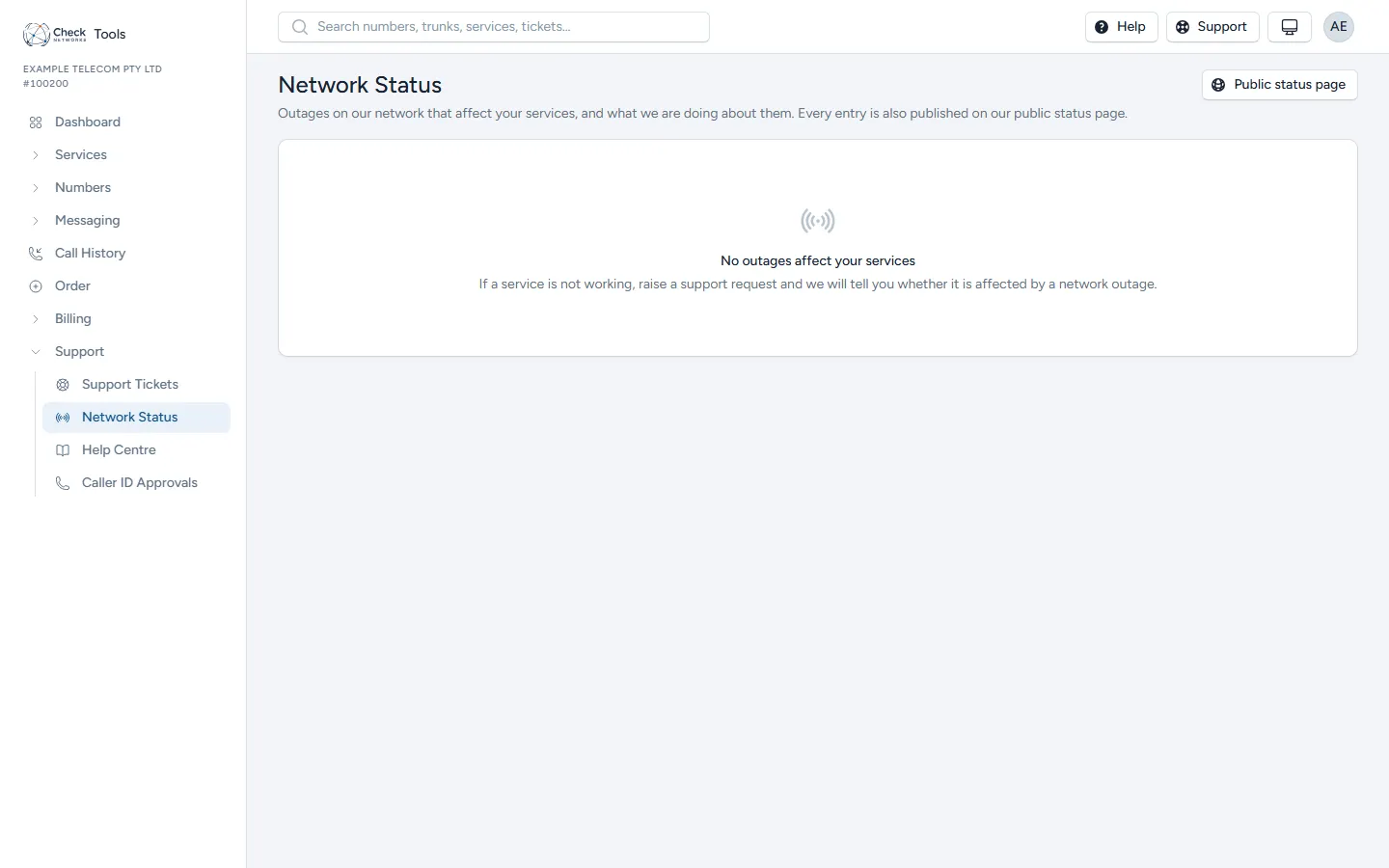
-
Our public status page lists every published outage. It has CSV, JSON and Atom feeds, and anyone can subscribe to email updates there.
-
On a single data service, the Health panel and Diagnostics show whether that one service is up and let you run nbn’s tests on it.
How you hear about an outage
Section titled “How you hear about an outage”When an outage affects your services, we tell you as it opens, as it changes, and when it closes:
- by email to your account;
- on the Network Status page;
- through the
outage.opened,outage.updatedandoutage.closedwebhooks, if you’ve subscribed. See Webhooks and Event Types.
The API’s GET /outages returns the same list as the Network Status page.
When a service is down and no outage is listed
Section titled “When a service is down and no outage is listed”- Check the service’s Health panel, and run a diagnostic test from the service page.
- Check the end user’s equipment: power, cabling, and that the router holds a session.
- If it still isn’t working, raise a Technical ticket with the service linked, the time it started, and the test results. See Logging a Support Ticket.