 Help
Australian law requires the person holding a mobile number to verify its transfer before it can go ahead. After you submit a mobile port, we send a six-digit code by SMS to the number being ported. Make sure the person with the handset knows to expect it.
Enter the code
The port shows as PPV Sent under Numbers, then Number Ports, with when the code expires.
- Choose Enter Code on the port in the list, or Enter Verification Code on the port’s own page.
- Ask the holder to read the code off the handset.
- Enter it under Verification Code and choose Confirm Port.
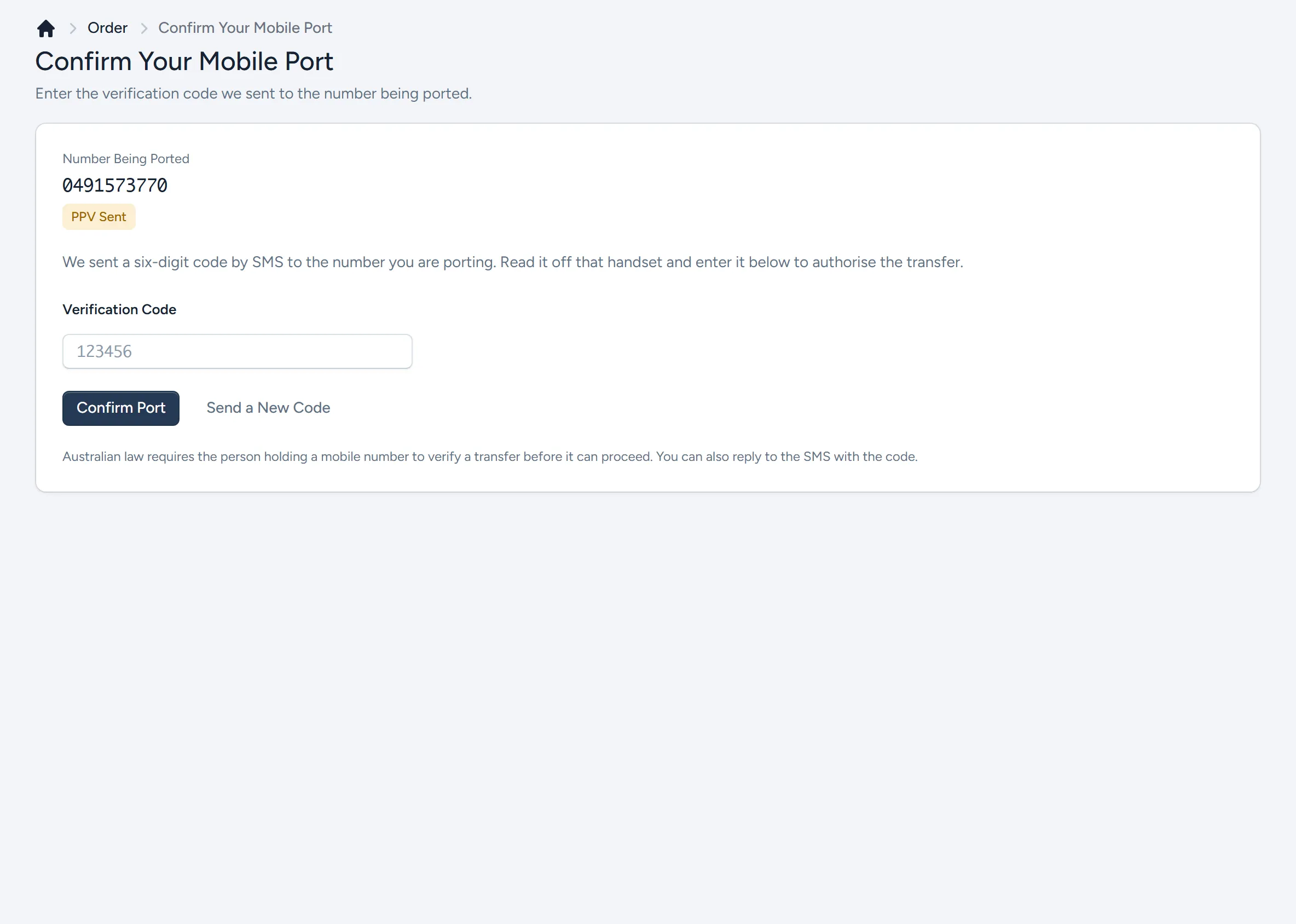
The page says “Verification Complete” and the port now goes to the losing carrier. We email the port’s contact when the number is live. The holder can also reply to the SMS with the code instead.
Let the holder enter it themselves
When the holder isn’t with you, send them a link to confirm the port themselves. They need no login.
- On the port’s own page, under Send to Someone Else, choose Send to Someone Else.
- Enter their name and email, and choose Send Link.
They get an email in your branding with a link to your end-user portal. The page emails them a code to check it’s them, then shows only the number being ported and the code field. They can confirm once. The link lasts 7 days.
The card lists each link you sent and whether it was used. Resend sends a new link and stops the old one. Cancel stops it at once. One link is open at a time, so to send it to someone else, cancel the open one first. A link can be resent once every 5 minutes, and 5 times a day. Your account needs its end-user portal turned on, with a domain, for the link to open.
Expired or wrong codes
- A code lasts 30 minutes. When the page says “This Code Has Expired”, choose Send a New Code. The port itself is unaffected.
- You have 5 attempts in all, and a new code doesn’t reset them. The page shows how many are left.
- After 5 wrong codes the page says “Verification Failed” and the port is rejected. Check the number with the holder and submit a new port.