 Help
Go to Billing, then Statement, to see your account over a period: the balance brought forward, each invoice, credit note and payment, and the balance carried forward. Use it to reconcile your account with your own books.
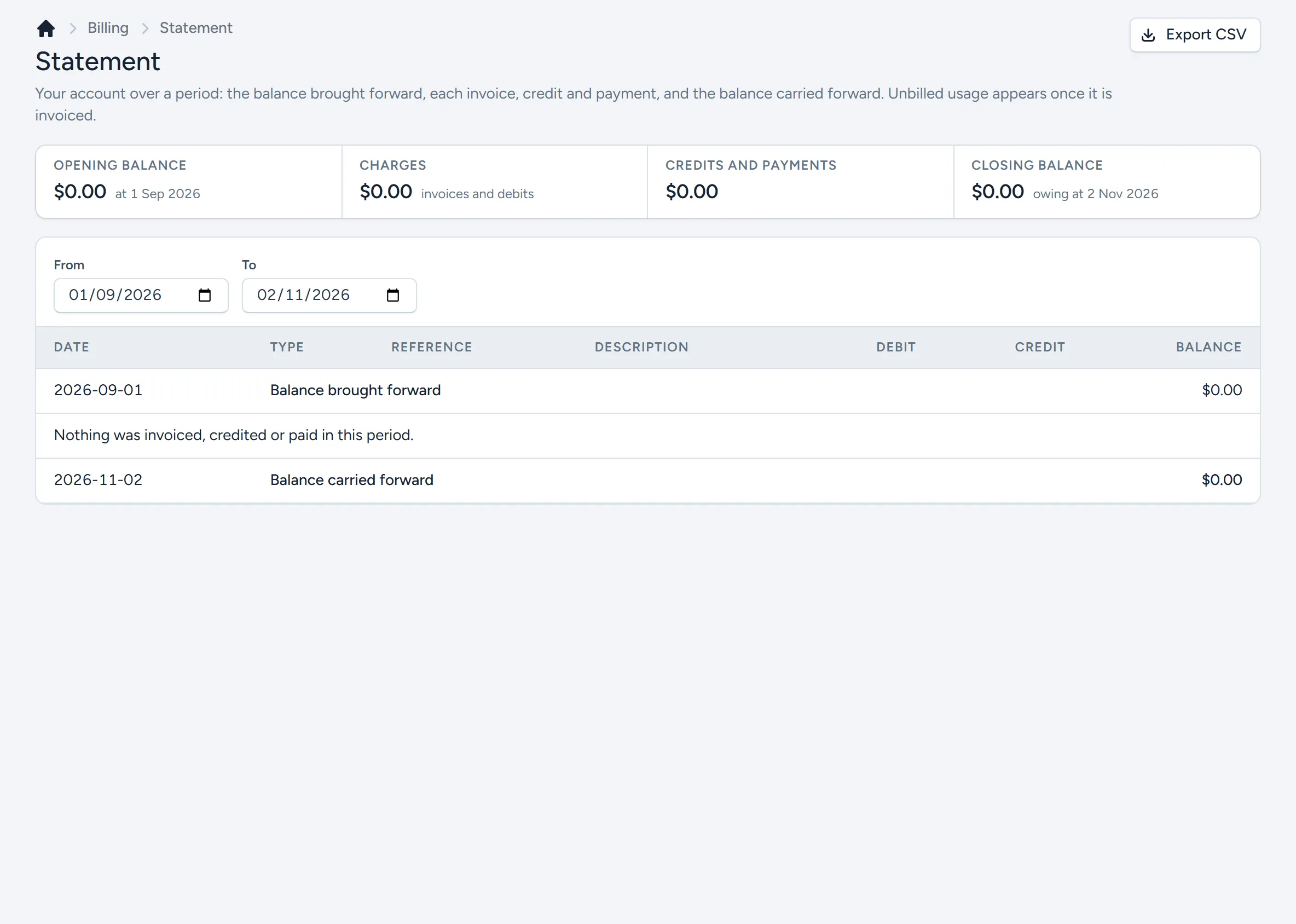
- Set From and To for the period you want.
- Read down the list. Invoices add to the balance, and credit notes and payments take it down.
- Choose Export CSV to download it.
This month’s calls and data aren’t on the statement until they are invoiced on the 1st. To see them now, use Usage or Call history.
Statements by email
If an invoice is past its due date when the month’s invoices are issued on the 1st, your billing contact is emailed a PDF of this statement for the last two months and this one, naming the overdue invoices. Paying the overdue invoices stops it. The email follows the Overdue Account Notices setting under Notifications.
If a payment you made is missing, allow a few days for a bank transfer to arrive. If it still isn’t there, log a Billing ticket with the date, amount and reference you paid with.