 Help
Diagnostic tests ask the carrier to check a service from their side: the line, the network device at the premises, or the path to our network. Run one before logging a fault. The result is the first thing we, and the carrier, ask for.
Request a test
- Open the service under Services, then Data Services, and go to Service Diagnostics.
- Choose Run Test. In Request a Service Diagnostic Test, pick the Test type and fill in anything it asks for.
- Submit it.
Run Test is switched off on a service that isn’t live. Running a test needs permission to manage services.
Previous Diagnostics on the card opens every test on the service, newest first. Select one to open its result.
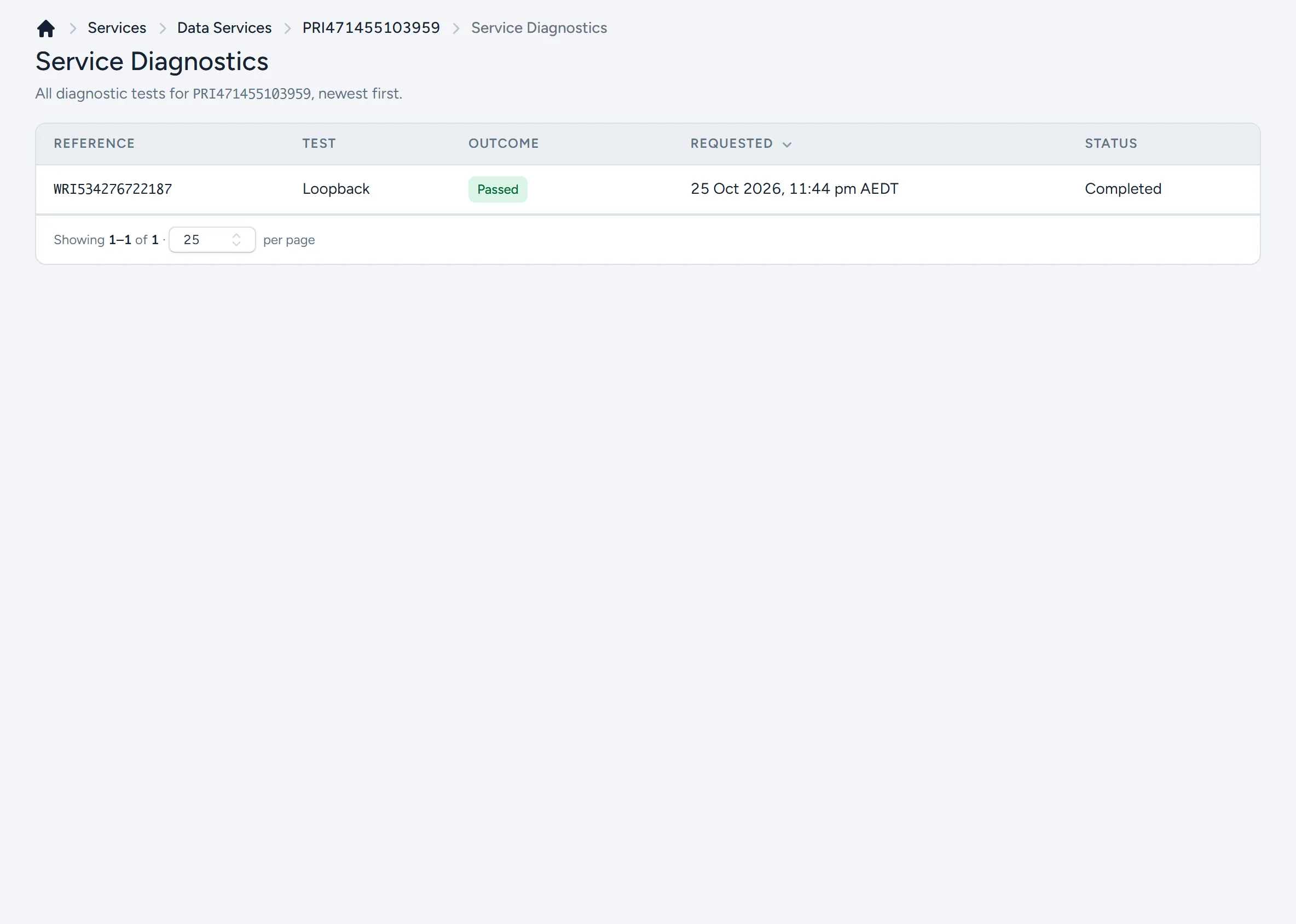
The test gets a reference starting WRI and moves through Requested, Accepted
and In progress to Completed. The page updates by itself, and says “Results
will appear here once the test completes.” Most tests take a few minutes. A
long-running test such as a Single End Line Test takes longer.
Which test
The tests offered depend on the technology.
| Technology | Tests |
|---|---|
| FTTP | NTD Status, UNI-D Status, Port Reset |
| HFC | NTD Status, NTD Reset |
| FTTC | DPU Port Status, DPU Port Reset, DPU Status, NCD Port Reset, NCD Reset, NCD UNI-D Status |
| FTTN / FTTB | Line Quality Diagnostic, Line State Diagnostic, Single End Line Test, Port Reset |
| Fixed wireless | WNTD Status, WNTD Reset |
| Every NBN service | Loopback |
| Opticomm | OTD Status, OUI Status, MAC Trace, Auth History, Session History |
A good order to try them in:
- A status test: NTD, UNI-D, DPU or WNTD Status. Is the device at the premises up, and is the router plugged into the right port?
- A loopback. Does traffic get from the premises to our network?
- For copper, which is FTTN and FTTB, a Line Quality Diagnostic. Is the line dropping out or slow? Set the Monitoring duration. It is 6 minutes by default.
- A reset only when a status test shows the device stuck. A reset drops the service for a minute or two.
Read the result
A completed test shows Passed or Failed, with the carrier’s measurements. “This test returned no detailed measurements” means the carrier sent only the outcome.
If a test fails, or passes but your end user still has a problem,
log a Technical ticket with the WRI reference.
See What to include.