 Help
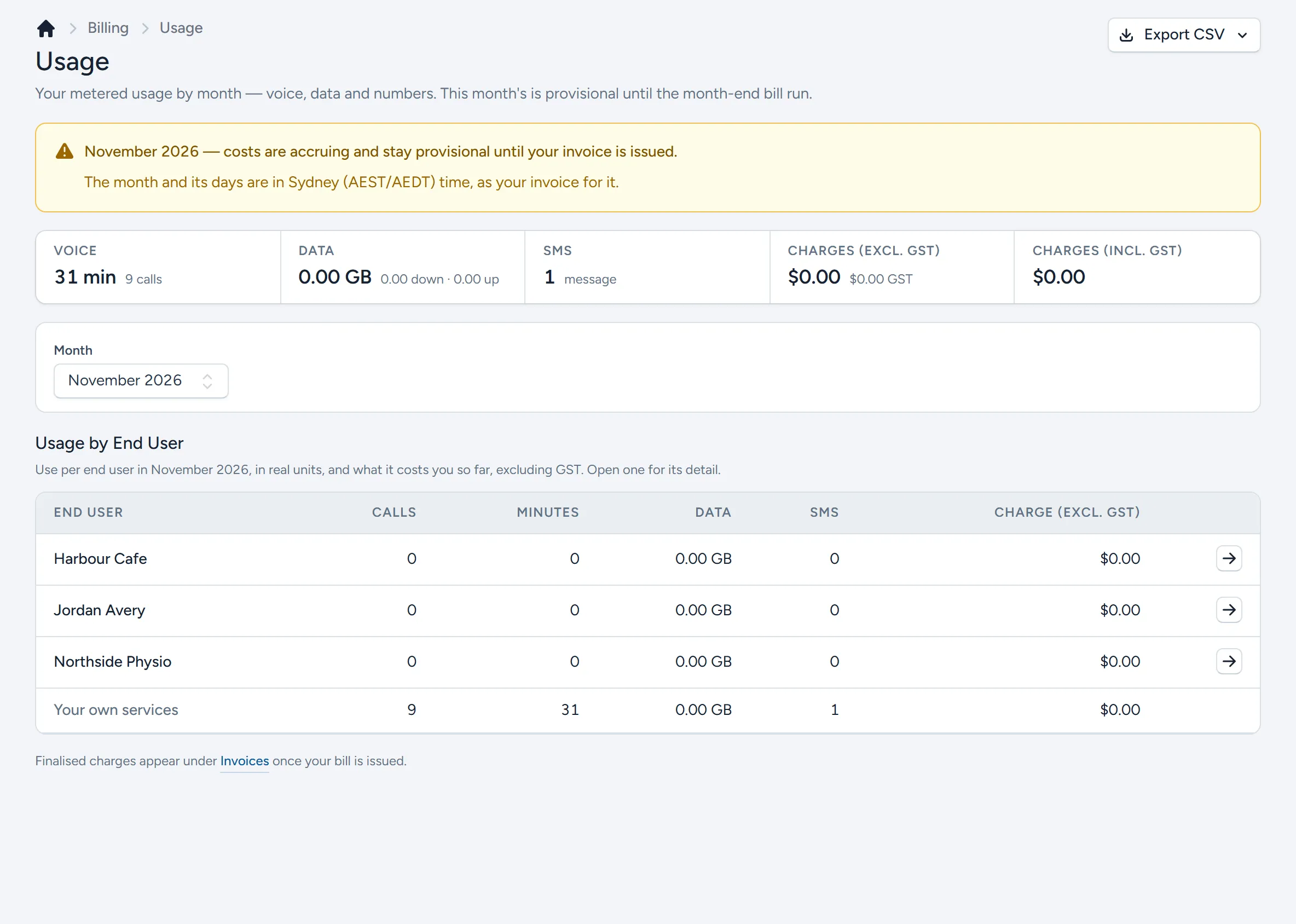
Go to Billing, then Usage, to see what your services used in a month: voice minutes and calls, data, and SMS. This month’s figures are provisional until the month-end bill run. They then appear on your invoice.
The month and its days are on your invoice’s calendar. That is your account’s time zone, which is Brisbane until you set another in Company details. For a month already billed, it is the zone its invoice was cut in. The notice at the top names it.
-
Pick the Month.
-
The figures across the top total the month’s Voice, Data and SMS, and its Charges excluding and including GST.
-
Daily Data Usage charts data day by day, a column a day. Point at one for that day’s figure. It shows only for a month with data.
-
Usage by End User splits the month’s calls, minutes, data and SMS by your end users, with Your own services for anything not assigned to one. It also shows the Charge each has run up with us so far, excluding GST. Select a row for that end user’s detail.
-
Below it, a table for each group of charges shows each item excluding GST, the GST, and the total.
-
Export CSV is a menu. Choose Charges, Usage by End User or Daily Data Usage, each as its own file.
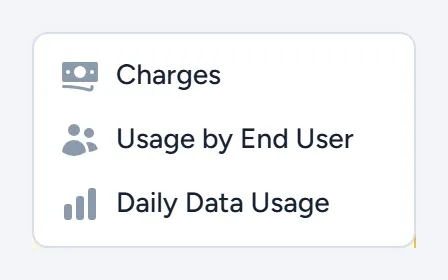
The Export CSV menu
Usage you see here is against the services assigned to each end user. To have a service’s usage counted against an end user, assign it to them on the service’s own page.
For the calls themselves, see Call history.