 Help
Everyone on your team signs in with their own login. Logins are never shared: the audit log records what each person does.
Getting your account
Check Networks sets up every wholesale account. There is no sign-up form. Once we have set yours up:
- Your primary or billing contact gets a welcome email with the portal’s address and a link to this page.
- Your account Owner gets a separate invitation email. They accept it as below, then invite the rest of your team from Users and roles.
Not a wholesaler yet? Choose Contact us under “Not a wholesaler yet?” on the sign-in page, and our sales team will be in touch.
Accept your invitation
An Owner or Admin on your account invites you from Users and roles. The email links to Accept Your Invitation:
- Enter Your name.
- Choose a Password and type it again under Confirm password.
- Choose Activate Account. You are signed in and taken to the dashboard.
An invitation link works once and expires after 72 hours. If it says Invitation Not Valid, ask whoever invited you to send a new one. If you are your company’s first Owner, nobody on your account can resend it yet. Contact your account manager at Check Networks, as the page says.
Sign in
- Go to the portal and enter your Email address and Password.
- Tick Remember Me on a computer only you use.
- Choose Log In.
- If you use two-factor, enter the 6-digit Authenticator Code from your app and choose Verify. See Two-factor authentication.
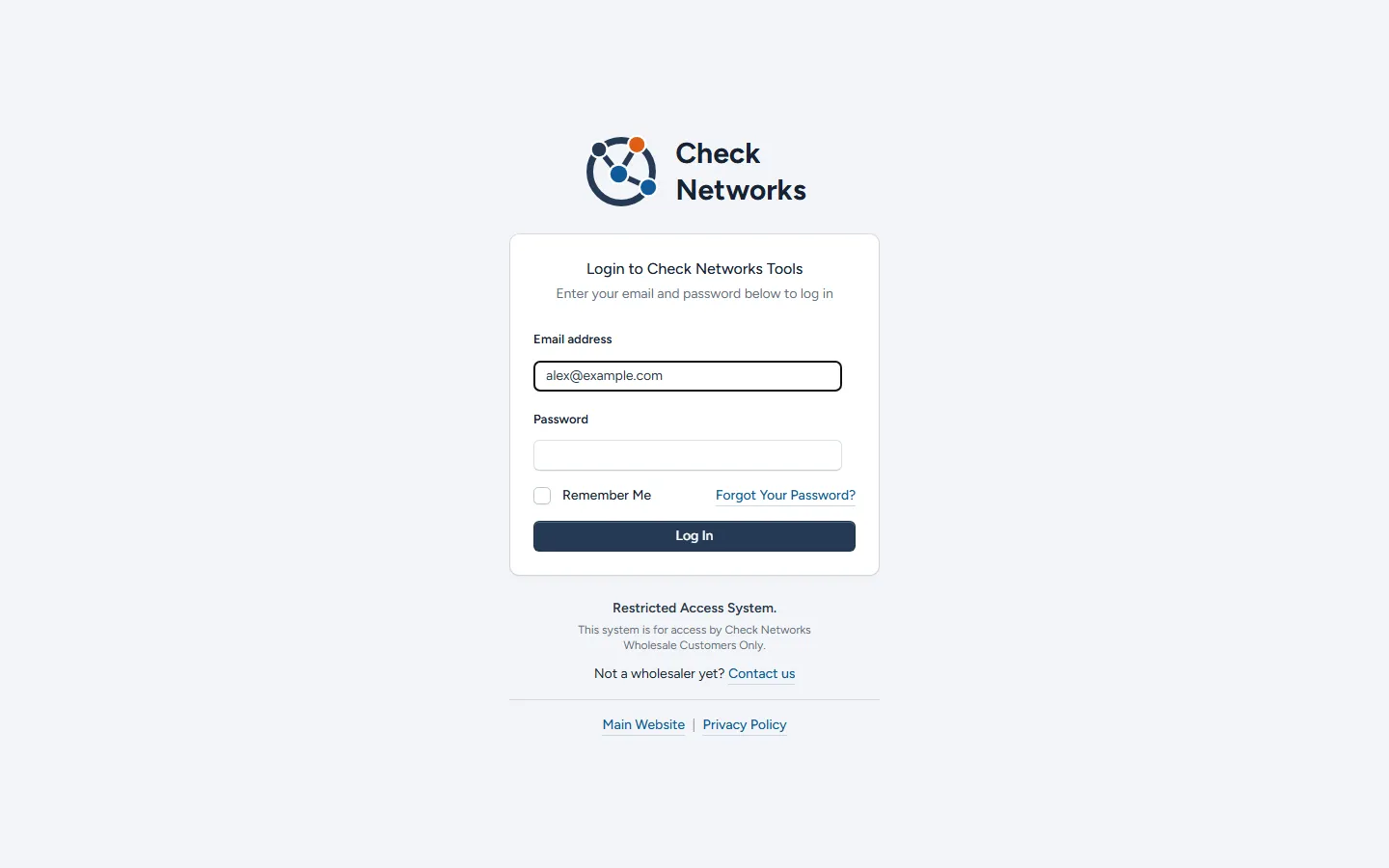
Forgotten your password
-
On the sign-in page, choose Forgot Your Password?.
-
Enter your Email Address and send the link. If it has a login, we email a reset link, and the page says Check Your Inbox. It says the same thing either way, so it never reveals who has an account.
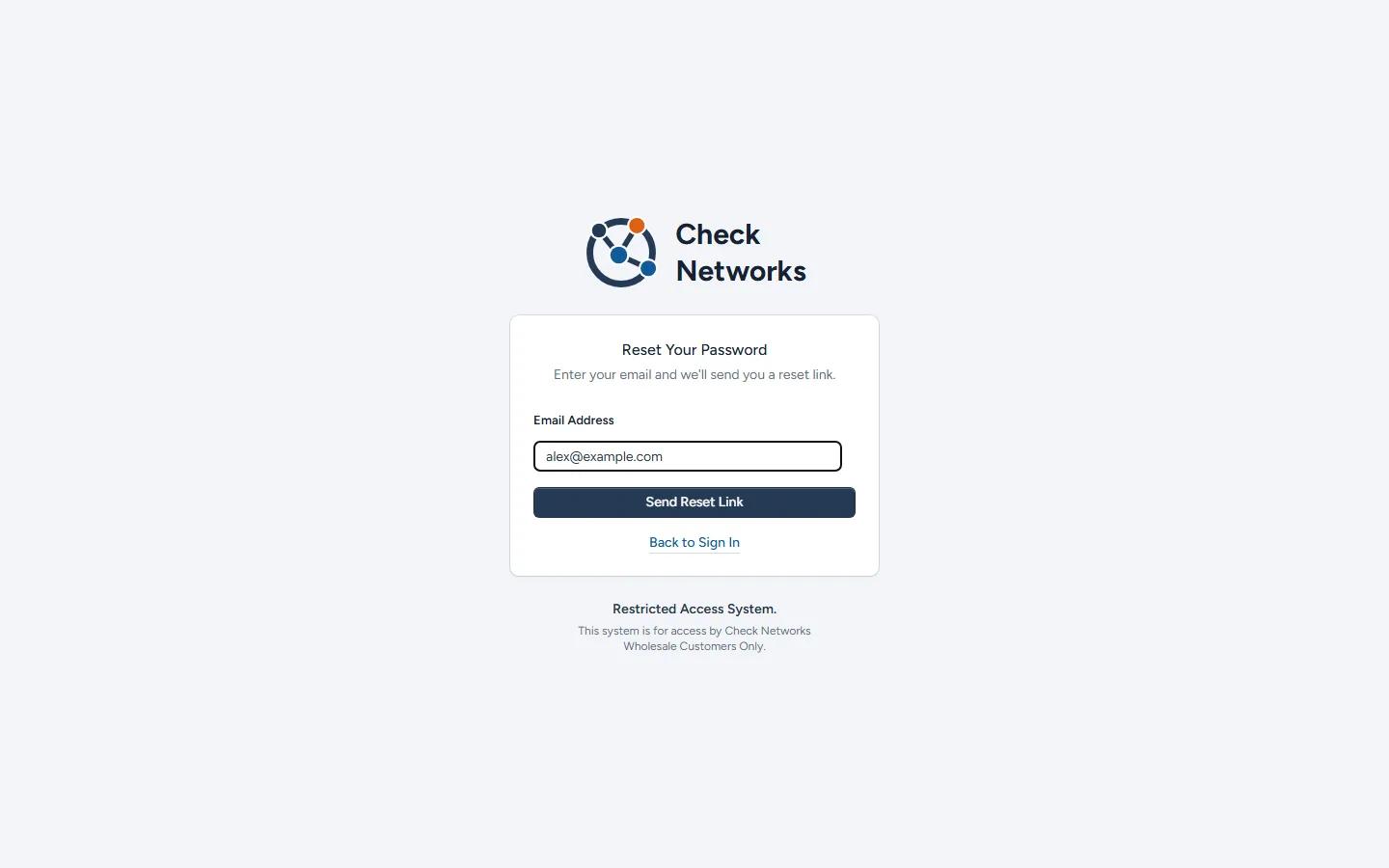
Resetting a password -
Open the link and enter your Email Address again. Choose a New Password, confirm it, and choose Reset Password.
The link works once and expires after an hour. If it has expired, start again.
If you can’t sign in
| What you see | What to do |
|---|---|
| “Your account only allows sign-in from approved networks. This network isn’t approved.” | Your account limits where people can sign in from. Sign in from the office network, or ask an Owner or Admin to add your network under approved sign-in networks. |
| “This portal is for wholesale customers only.” | The login belongs to an end user’s portal, not the wholesale portal. |
| “This account is not active. Please contact your account manager.” | The company account is closed. Call support. |
| “This account is suspended.” | You can still sign in, but only to see and pay your invoices and statements, set up a payment method, and raise or reply to support tickets. Other pages take you back to your invoices. Pay what is owed, or contact support, and the rest comes back once the account is restored. |
| “Your account is inactive. Contact an administrator.” | Your own login has been switched off. Ask an Owner or Admin on your account. |
| A two-factor code is refused, or you’ve lost your phone. | See Two-factor authentication. |
| Too many attempts. | Sign-in pauses after repeated failures. Wait a minute and try again, or reset your password. |